
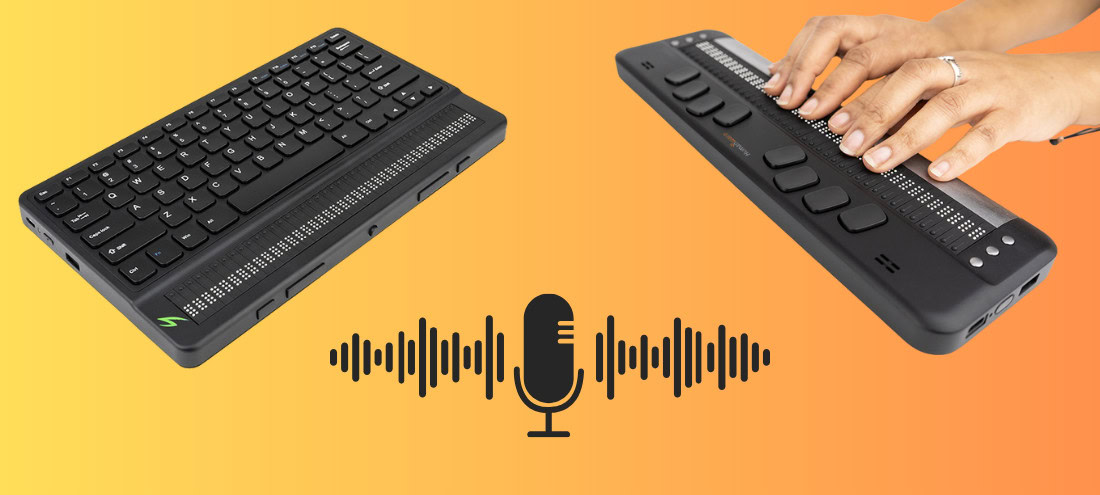
We’re thrilled to announce the release of our latest firmware update for the Brailliant BI X and Mantis braille display! This update introduces learning braille tables, a recording application and support for the upcoming eBraille format.
Watch the version 2.6 introduction Video
Here’s what’s new:
Learning braille Tables
A new set of learning braille tables is now available in its own category called “English braille learning tables”. These additional braille tables are designed to assist learners in developing their reading and writing skills using braille.
In addition to these learning tables, the list of braille tables has been reorganized and grouped by language.
Recorder: KeyRecorder (Brailliant BI X only)
A new application, KeyRecorder, is available for the Brailliant BI 40X. It uses the integrated microphone to record sessions, meetings and all your recording needs. Record on the go with a new global shortcut to start recording using Enter with R.
Assign books with Bookshare
Educators and students now have access to assigned books through the Bookshare online library. A new category called “Assigned Titles” appears in the Bookshare online library.
eBraille Support
With the anticipated eBraille file format soon to be available globally, the Brailliant BI X and Mantis Q40 include initial support.
Performance upgrades and fixes
This version includes several improvements and introduces Estonian and Lithuanian support. New Swiss German and French keyboard layouts have been added to the Mantis Q40.
How do I update my device?
When connected to Wi-Fi, the Brailliant BI X and Mantis Q40 will receive a notification that a system update is available. Select Download to begin the update. If the notification does not appear, follow these steps:
- Ensure you are connected to Wi-Fi
- (Brailliant devices) from the Main Menu, press Space with O to jump to the options menu. (Mantis device) press S to go to the Settings.
- Then press “s” for software update, followed by pressing Enter.
- Press “C” to check for the update, then press Enter
Thank you to everyone who provided feedback
This version includes enhancements, localization and fixes that came directly from Brailliant BI X series and Mantis Q40 users. We appreciate everyone who writes to us with suggestions or bug reports, your feedback helps us continue improving.
Enjoy the new update!