
AFB’s analysis of the 2023 Current Population Survey shows a large employment gap for working age adults with “vision difficulty”: 42% of women and 40% of men (ages 16 to 64) were employed, compared with 68% and 76% for people without disabilities. The same fact sheet points to barriers that start early, including accessible hiring processes and accessible onboarding into employer systems.
This matters because many roles today are knowledge work. The output is analysis, planning, teaching, documentation, case management, coordination, and decision-making. The job is done with information, not with sight. “Knowledge worker” is a widely used term that traces back to Peter Drucker’s writing on knowledge work and knowledge-worker productivity.

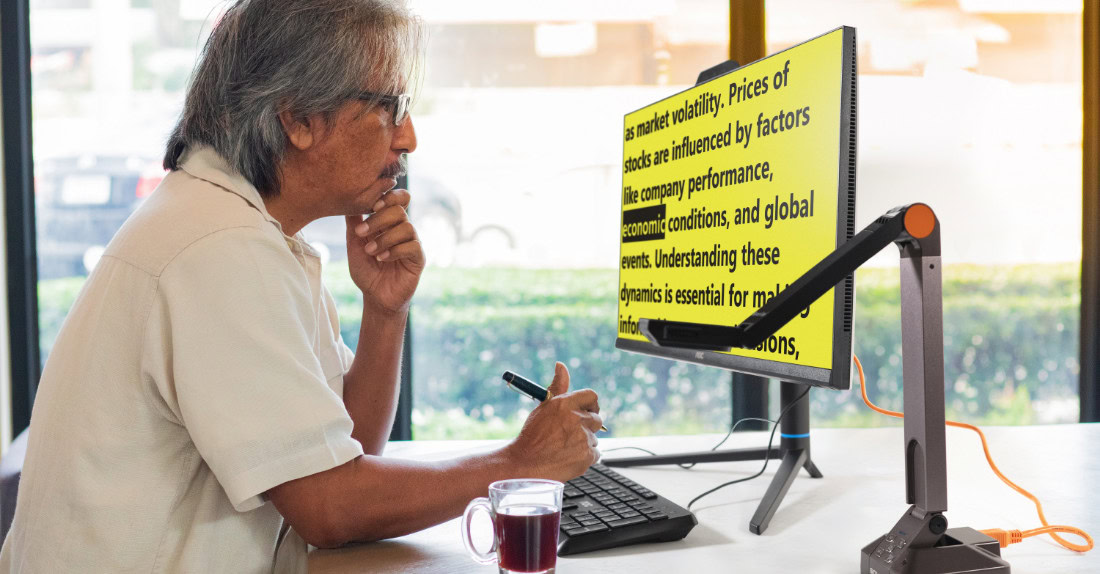
For an employee with low vision, productivity often comes down to one thing: how quickly everyday content becomes usable. Work content rarely arrives in perfect formats. It arrives as a scanned PDF, a photo of a printed page, a screenshot in a chat thread, a dense report, or a form that someone else expects you to review quickly.
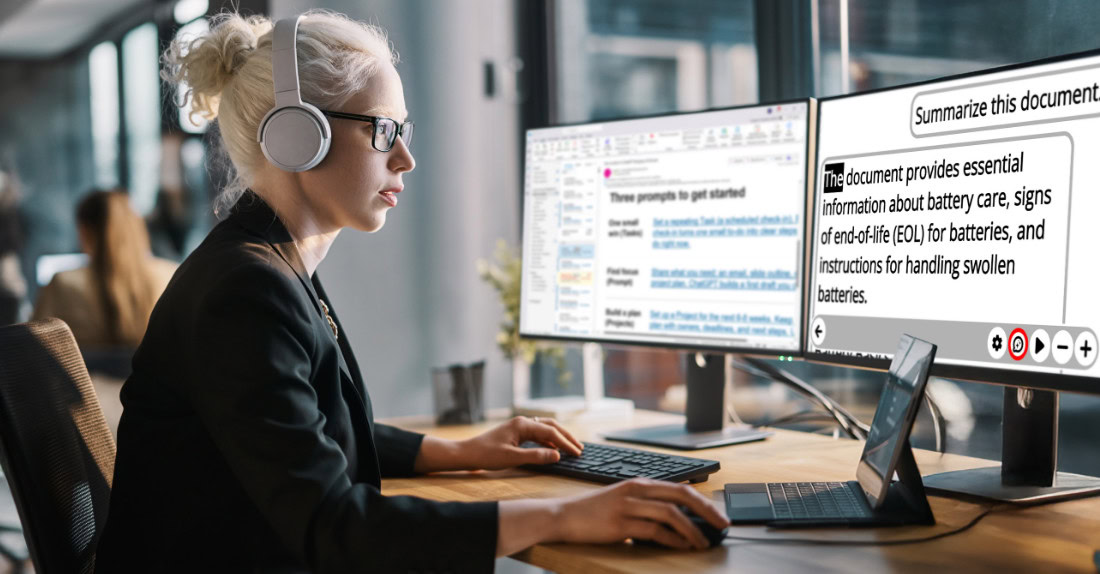
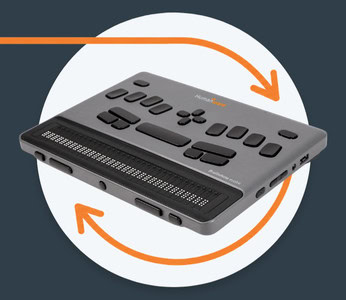
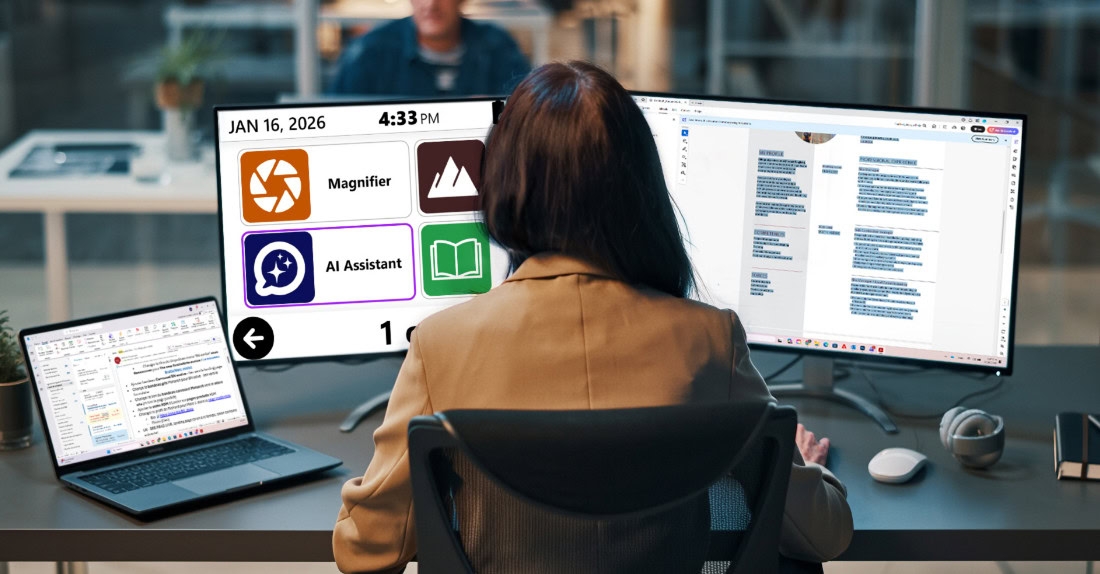
This is where Prodigi for Windows is meant to sit in the workplace. It is a Windows-based productivity environment that supports magnification and reading, and it is designed to reduce the time lost converting “visual inputs” into information you can act on.
What changes in practice for professionals
The most meaningful gains are not about a single feature. They show up as fewer interruptions across a week of real tasks.
Prodigi for Windows v1.5 includes an AI assistant that is available directly from the main user interface and from within Magnifier, Files, Books, and Distance. In plain terms, this means support is closer to the moments where professionals get stuck: when something is on screen, under a camera, inside a saved file, or inside a page you are reading.
Continuity is the difference between “help once” and “work reliably.” In v1.5, when you ask questions about a file, image, or book page, the conversation is saved with that item, so you can return later without rebuilding context. Past answers can also be read offline.
This matters in real roles where the same material returns repeatedly: policies, onboarding documents, client files, compliance checklists, training modules, recurring reports, and case notes.
Input speed matters when the workday is loaded with meetings. v1.5 adds voice input for the AI assistant, with an audio cue confirming when recording starts and stops. That matters when typing is not the limiting factor, but focus management is. It can reduce the friction between navigation, magnification controls, and composing questions when time pressure is high.
Reading stamina is a workplace issue, not a personal weakness. v1.5 adds audiobook support inside Books, including playback speed control, navigation and bookmark menus that jump by chapter or time, and keyboard shortcuts for control.
For many professionals, this is a practical way to sustain long-form reading required for continuing education, documentation, policy updates, and training without relying on visual stamina alone.
Trust is required for any AI use at work. v1.5 adds clear privacy messages before sharing a book page, image, or text with the assistant, and improves Feature Lock to limit AI access when needed.
These are workplace-friendly details. They support environments where confidentiality, supervised training, or shared-device policies are part of day-to-day operations.
What does this mean for HR and accessibility leaders
Workplace accessibility works best when it is treated like standard infrastructure, not an exception managed case by case. AFB’s research notes that barriers can start as early as the application process and onboarding, including the step of getting set up in employer systems. When tools and processes are accessible from day one, employees spend less time fighting the format and more time doing the job.
Prodigi for Windows supports that approach by making access more consistent across the kinds of content employees receive. The aim is not a special workflow. The aim is the same workflow, at the same pace, with the right tools in place from day one.
When an employer provides the tools early, employees spend less time asking for ad hoc fixes and more time delivering outcomes. That is what accessibility is supposed to do: remove barriers that are unrelated to job performance.
What this means for vision rehabilitation professionals and optometrists
For clinicians and rehab teams, workplace success often depends on matching the tool to the task demands of the role. Many jobs are heavy on mixed content: documents, screenshots, charts, photos, and long reading. v1.5’s design choices matter because they support repeatable strategies: accessing support where the content lives, keeping context attached to the item, and offering multiple ways to consume long material.
For patients and clients who are working or preparing to return to work, the message is simple and practical: there are productivity solutions built for modern Windows work. With the right setup and training, it becomes easier to keep pace in information-heavy roles.
The takeaway
AFB’s employment data highlights how big the gap still is, and it reinforces a practical point for employers: outcomes improve when barriers are removed early through accessible systems, onboarding, and the right tools. When employees can reliably access documents, images, and long reading in the formats used at work, performance becomes easier to sustain day to day.
Prodigi for Windows is one option designed for that reality, and v1.5 strengthens the day-to-day experience by improving continuity, input flexibility, long reading options, and workplace controls around privacy.