
An accessible start to the school year doesn’t begin with choosing a device. It begins with a question: What does the student need to be able to do as independently as possible?
Read a document. See the board. Write in braille. Explore a graph. Use a digital learning platform. Find a classroom. Participate in group work.
Assistive technology can make these activities more accessible, but the technology should first and foremost support the student’s needs, tasks and goals.
As the new school year begins, here are five questions to explore with the student, their family, educators and the professionals who support them.
Don’t wait until a barrier appears to ask the question. Textbooks, worksheets, presentations, digital learning platforms, graphs and other classroom materials should be considered before classes begin.
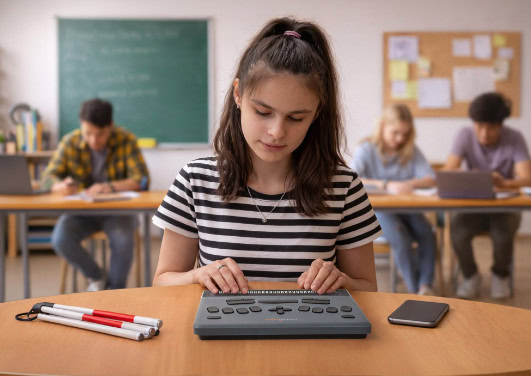
Depending on the student, access may involve braille, magnification, text-to-speech, tactile graphics or a combination of formats and assistive technologies.
Organizations such as the Canadian National Institute for the Blind (CNIB) and See Differently in Australia highlight the importance of access to braille and adapted resources to support learning, literacy, and independence for people who are blind or have low vision.
Accessibility should be planned before classes begin—not after a barrier appears.
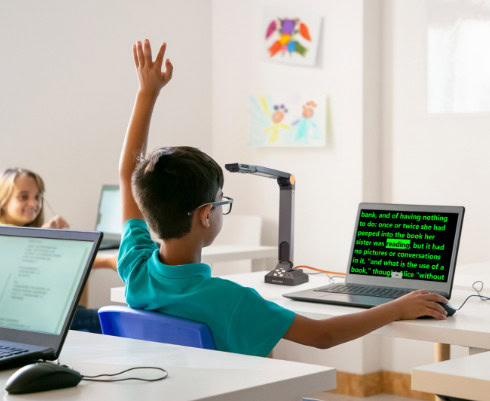
It can be tempting to look for one product that will meet every need. In reality, reading at a desk, viewing a presentation at the front of the classroom, working in Microsoft 365 and exploring a tactile graph may require different solutions.
That’s why it is often more useful to begin with the task:
What does the student need to accomplish? In what environment? And with what level of independence? Our guide, Matching Assistive Technology to Classroom Tasks, looks at common classroom activities and the technologies that can help support them.
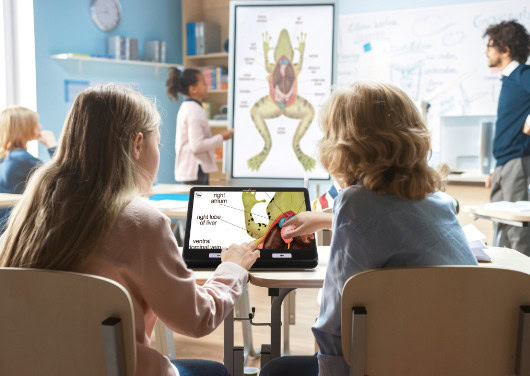
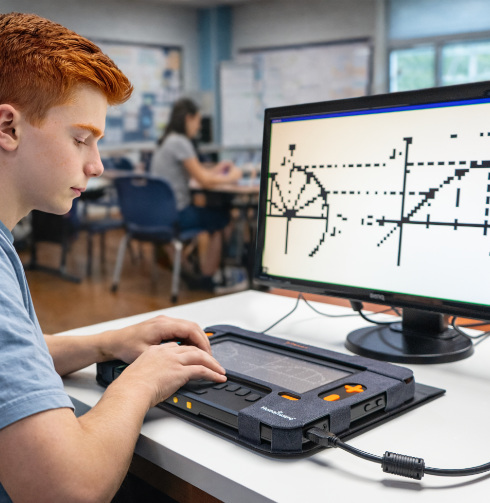
Classroom accessibility goes beyond text. Graphs, maps, diagrams, tables and equations are essential to learning in many subjects, particularly science, technology, engineering and mathematics.
Tactile learning can also happen through exploration and play. Accessible games recently added to Monarch provide new opportunities to develop skills, explore concepts and interact with others.
Accessible STEM means more than reading text—it means exploring every graph, equation and idea.
Having access to assistive technology and knowing how to use it effectively are two different things.
Royal National Institute of Blind People (RNIB) emphasizes the importance of helping young people progressively develop the skills to use their technology and choose the right tool for different situations.
Independence also extends beyond the classroom. Navigating the school, finding a classroom, participating in activities and, later, getting around a college or university campus are all part of developing greater independence.
Leader Dogs for the Blind works with teenagers on orientation and mobility skills, including route planning and navigating different environments.
As the school year begins, ask: Has the student had enough time to learn how to use their tools, develop their own strategies and build independence?
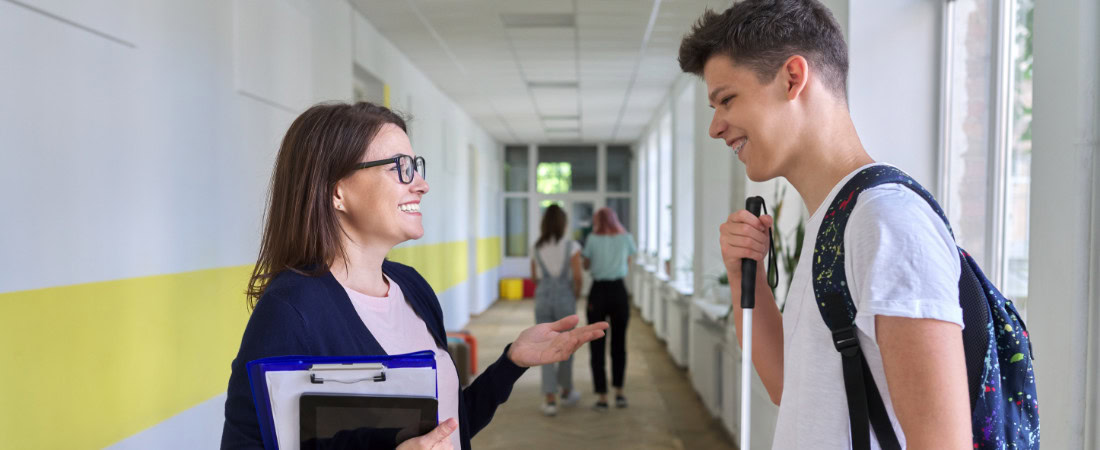
The needs of an eight-year-old can be very different from those of a 16-year-old preparing for postsecondary education. ver time, students take on more responsibility for managing documents, deadlines, research, digital applications, travel and communicating their own accessibility needs.
Assistive technology will continue to evolve as well.
Multiline braille, artificial intelligence and smart glasses are creating new possibilities for accessing information, learning and building independence.
But these innovations only make a difference when students can access them and develop the skills needed to use them effectively.
This may be the most important question of all.
Technology should support the student’s goals — not the other way around.
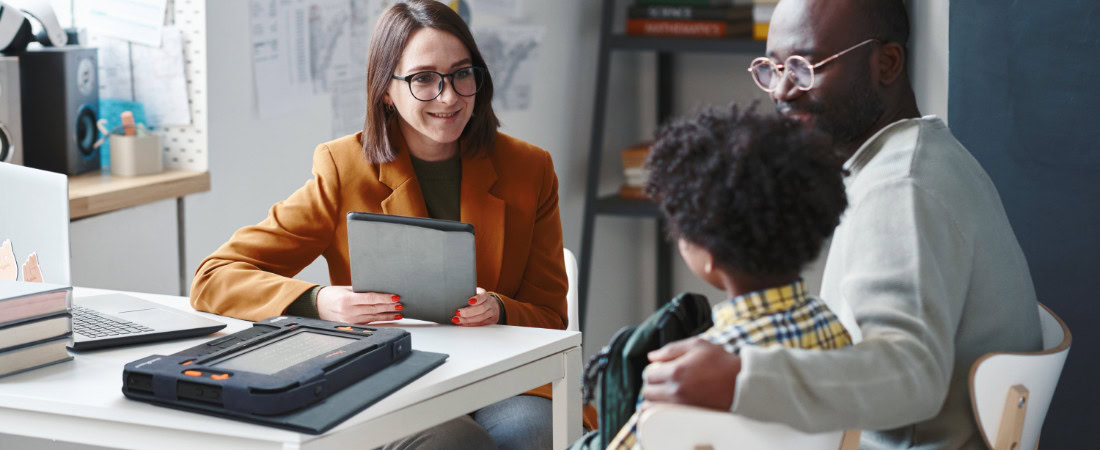
An accessible school year is therefore something we prepare with the student, their family, educators and the professionals who support them.
From developing early skills through postsecondary education, the HumanWare Education Journey helps families and professionals explore assistive technologies suited to different stages of learning.
Supporting a student who is blind or has low vision and looking for solutions that match their needs?
Bring the HumanWare experience to your school by booking a demo.
Bring the HumanWare experience to your school by booking a demo.
Bring the HumanWare experience to your school by booking a demo.