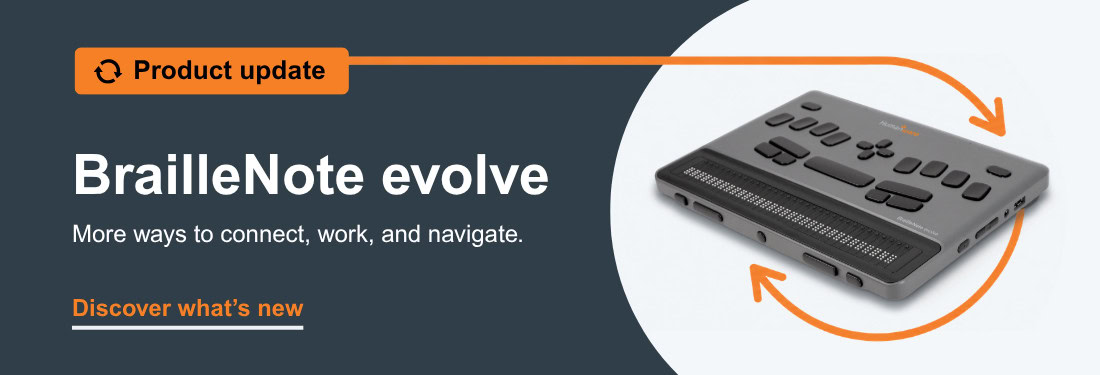
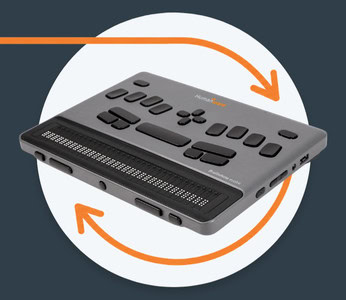
The first KeySoft update for BrailleNote evolve is here, bringing new ways to connect, work with Braille content and navigate more efficiently.
Turn your evolve into a Braille display
With the new Braille Terminal app, you can connect your BrailleNote evolve via Bluetooth and use it as a Braille display with iPhone, Mac and Apple TV using VoiceOver, or with Windows PCs using NVDA or JAWS.
Press and hold the Home button to seamlessly switch between your connected device and your last-opened evolve application.
Finding your way through Braille content is now easier. Use Find, Find next and Find previous in BRF files opened in KeyBRF or Victor Reader. KeyBRF also adds new Find and Replace functionality for even more flexibility when working with Braille files.
Updated browse-mode commands help reduce shortcut conflicts when navigating Microsoft applications and web browsers.
Update 1 also includes improvements to Outlook attachments, Braille IME, Braille tables, NVDA, Word, external displays, localisation and overall system reliability.
See evolve in action
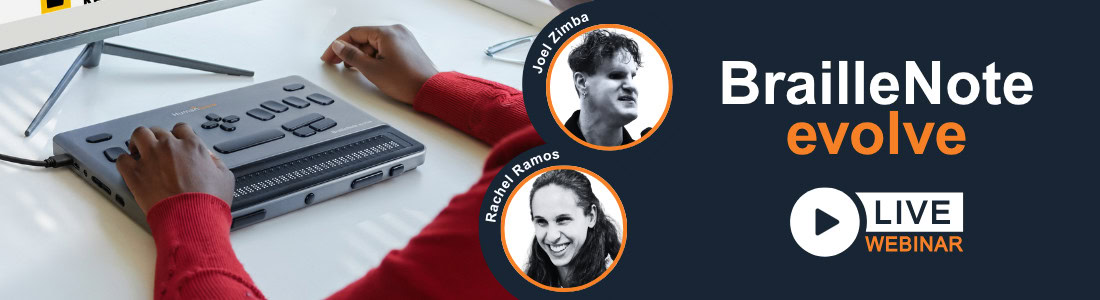
Watch our latest BrailleNote evolve webinar and discover how KeySoft and Windows 11 come together in one braille-first device.
See practical demonstrations of navigating Windows with KeySoft, customizing your setup, working with Braille IME and Microsoft Word, exploring math and graphs with KeyMath, and using features such as Braille Terminal.
Whether you’re considering evolve or already using one, the session is packed with practical demonstrations, useful tips and answers to real user questions.