
Register now for BrailleNote evolve updates

Foundations (Ages 6–12)

Literacy, classroom participation, and growing independence.

At this stage, students are building academic skills, joining classroom activities, and learning strategies for independence. The right technology gives them instant access to information, interactive tools for exploring STEAM, and the chance to complete assignments at the same pace as peers. For teachers, these tools make it easier to adapt materials, track progress, and foster inclusive participation.

Key needs in the classroom:

Instant access to print and digital content in accessible formats. 

STEAM participation through accessible diagrams, tactile graphics, and adapted software. 

Tools that match functional vision for maximum efficiency and comfort.
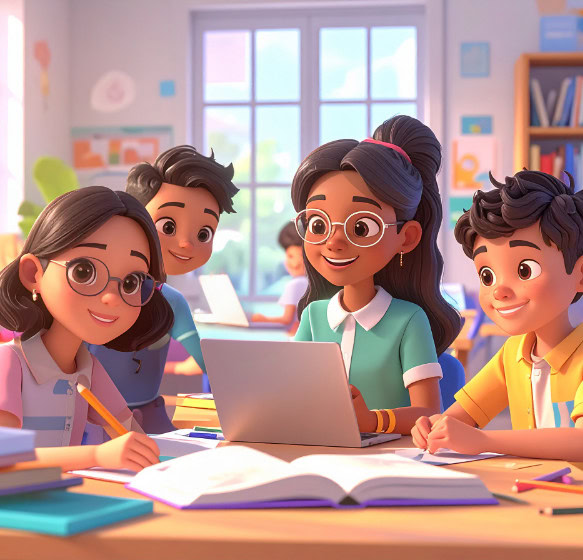
3D illustration of four teenagers working together around a laptop and books in a bright classroom.

Read, write, participate:
building confidence at school

Click to play video in a popup then press escape to close the popup.

Blindness solutions

Monarch

Monarch

A dynamic tactile device that supports braille literacy and tactile learning.

For students
Explore braille, shapes, simple maps, and diagrams through hands-on tactile discovery, helping build braille reading skills, spatial understanding, and confidence.

For teachers and accessibility teams
Create and share tactile learning materials instantly to support braille instruction and tactile exploration while reducing preparation time

BrailleNote evolve

BrailleNote evolve

A braille-first device that supports reading, writing, and digital learning.

For students
Read and write in braille, take notes, and access learning materials while building the digital skills needed for school and future technology use.

For teachers and accessibility teams
Support students on their braille journey with a device that connects braille learning to mainstream computing tools used in modern classrooms.

Mantis Q40

Mantis Q40

A braille display with a full QWERTY keyboard that bridges braille input with mainstream computing.

For students builds fluency in braille and typing, preparing for advanced tech use.

For teachers supports students in using the same classroom software as peers while providing braille output for accessibility.

Brailliant BI 20X/40X

Brailliant BI 20X/40X

A compact braille display designed for learners moving from braille basics to digital tools.

For students develops fluency in braille and typing while supporting use with laptops and tablets.

For teachers allows seamless integration with classroom software, making group work smoother.

Low vision solutions

explorē line

explorē line

A family of portable magnifiers that support reading and visual learning.

For students
Easily see books, worksheets, and classroom materials with portable magnification that helps make reading and learning more comfortable.

For teachers and accessibility teams
Provide flexible magnification solutions that help students access printed materials and participate more confidently in classroom activities.

Prodigi for Windows

Prodigi for Windows

A low vision software for reading, learning, and exploring digital content.

For students
Access books, worksheets, and online materials with magnification, text-to-speech, and AI reading tools that help make printed and digital schoolwork easier to see and understand.

For teachers and accessibility teams
Provide flexible access to printed and digital classroom materials, helping students read more easily and participate confidently in everyday learning activities.

Resources for teachers & schools

Even the best technology reaches full potential when educators are equipped to use it effectively.

How to create accessible classroom content

Practical steps for adapting teaching materials for blind and low vision learners

How to choose the right device for mixed vision classrooms

Strategies for balancing different visual needs in one group.

See HumanWare in action

Bring the HumanWare experience to your school.

Resources for teachers & schools

Even the best technology reaches full potential when educators are equipped to use it effectively.

How to create accessible classroom content

Practical steps for adapting teaching materials for blind and low vision learners

How to choose the right device for mixed vision classrooms

Strategies for balancing different visual needs in one group.

See HumanWare in action

Bring the HumanWare experience to your school.

Resources for teachers & schools

Even the best technology reaches full potential when educators are equipped to use it effectively.

How to create accessible classroom content

Practical steps for adapting teaching materials for blind and low vision learners

How to choose the right device for mixed vision classrooms

Strategies for balancing different visual needs in one group.

See HumanWare in action

Bring the HumanWare experience to your school.

Resources for teachers & schools

Even the best technology reaches full potential when educators are equipped to use it effectively.

How to create accessible classroom content

Practical steps for adapting teaching materials for blind and low vision learners

How to choose the right device for mixed vision classrooms

Strategies for balancing different visual needs in one group.

See HumanWare in action

Bring the HumanWare experience to your school. (Coming soon)
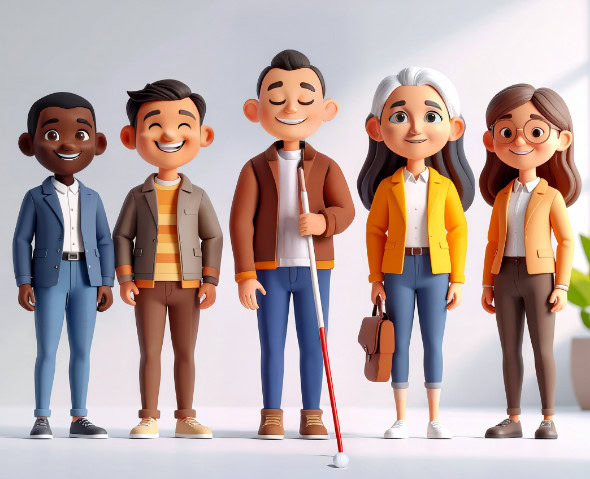
3D illustration of five diverse adults, including a visually impaired person holding a white cane, posing side by side and smiling.

Meet the team

With HumanWare, inclusion comes to life. Our specialists bring hands-on expertise to classrooms through demonstrations, training, and tailored support. From braille to low vision solutions, our latest device updates, including eBraille support, cloud integration, and AI-assisted tools, help students learn independently and stay aligned with modern classrooms.

Continue the journey

Discover
(Ages 0-5)

Learn
(Ages 6-12)

Progress
(Ages 13-17)

Achieve
(Ages 18+)